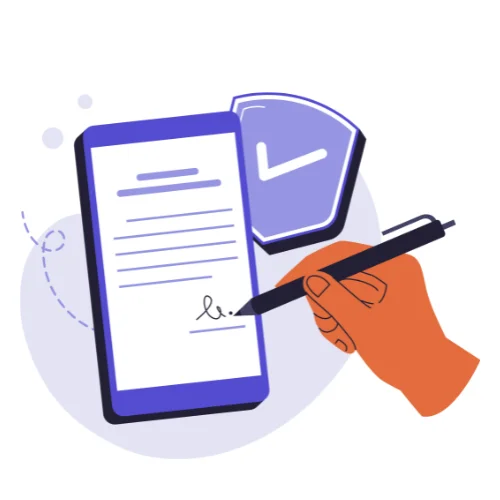

Convert your text into a downloadable PDF – choose font, size, and page options









ADVERTISEMENT

Founder & CEO, Toolraxy
Faiq Ur Rahman is a web designer, digital product developer, and founder of Toolraxy, a growing platform of web-based calculators and utility tools. He specializes in building structured, user-friendly tools focused on health, finance, productivity, and everyday problem-solving.
User Ratings:
ADVERTISEMENT
Create polished, professional PDFs for reports, resumes, and contracts without expensive software.
Choose from multiple fonts, sizes, spacing options, and page formats to match your needs.
Your data never leaves your browser. All processing happens locally on your device.
No downloads or registration required. Convert unlimited texts to PDF completely free.
Our Words Counter Tool instantly calculates word count, character count (with and without spaces), sentences, paragraphs, reading time, and even word/letter density. Whether you’re a student, writer, blogger, or professional, this tool helps you meet word limits, optimize readability, and keep track of your writing efficiency.
It’s especially useful for:
Writers preparing essays, stories, or blog posts
Students working on assignments with strict word limits
Professionals drafting reports, emails, or documents
SEO specialists and content creators who need optimized word density
Paste or type your text into the input box
Select your preferred font style, size, and line height
Choose the appropriate page size (A4, Letter, or Legal)
Click “Preview Text” to see how your document will look
Click “Generate PDF” to create and download your customized PDF
No, you can convert texts of any length, though very long documents may take slightly longer to process.
No, this tool is completely free to use without any registration or account creation.
No, all processing happens locally in your browser. Your data never leaves your device.
The tool works on all modern browsers including Chrome, Firefox, Safari, and Edge.
No, this is completely free to use with no hidden charges or premium features.
ADVERTISEMENT