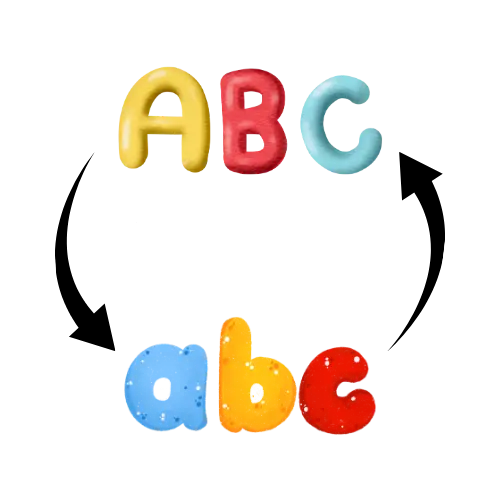

Flip text backwards, reverse words, or reverse entire sentences instantly








ADVERTISEMENT

Founder & CEO, Toolraxy
Faiq Ur Rahman is a web designer, digital product developer, and founder of Toolraxy, a growing platform of web-based calculators and utility tools. He specializes in building structured, user-friendly tools focused on health, finance, productivity, and everyday problem-solving.
User Ratings:
ADVERTISEMENT
Format essays & papers (APA, MLA, Chicago).
Switch between camelCase, PascalCase, snake_case, kebab-case.
Change large text blocks instantly.
No downloads, works on all devices.
The Reverse Text Generator is a simple yet powerful online tool that allows you to instantly reverse text, words, or lines. It’s perfect for creating fun mirrored text, secret messages, or just exploring how your text looks backwards.
This tool automatically counts characters, offers multiple reversing modes (full text, words, or lines), and lets you copy results with a single click — no downloads or sign-ups required.
Step 1: Enter or paste your text into the input box.
Step 2: Choose your reverse type (Full Text, Words Only, or Lines).
Step 3: Click the “Reverse Text” button.
Step 4: Your reversed text will appear instantly below.
Step 5: Click “Copy Result” to copy your reversed text to clipboard.
A Reverse Text Generator flips your text backwards so that the last character becomes the first. It’s useful for fun messages, coding, design, and creative writing.
✅ Yes, it’s completely free and works directly in your browser — no registration or download needed.
Yes. Choose “Reverse Words Only” to reverse the order of words instead of characters.
Absolutely. Select “Reverse Lines” to flip the order of entire lines in your text.
Yes, it’s fully responsive and works perfectly on all devices — desktop, tablet, and mobile.
ADVERTISEMENT